Sushi restaurant menu
Sushi menus mix rolls, nigiri, sashimi and hot dishes, and many guests want to know what is raw before they order. A QR menu shows each item with a photo, the number of pieces and clear notes on raw fish, cooked options and allergens.
Pick a design for your menu
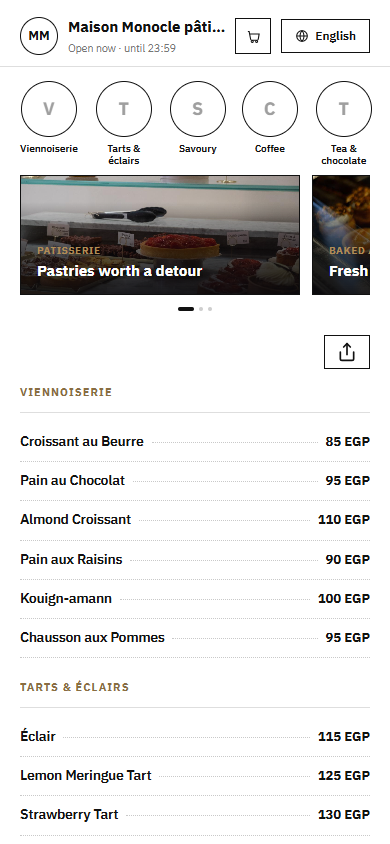
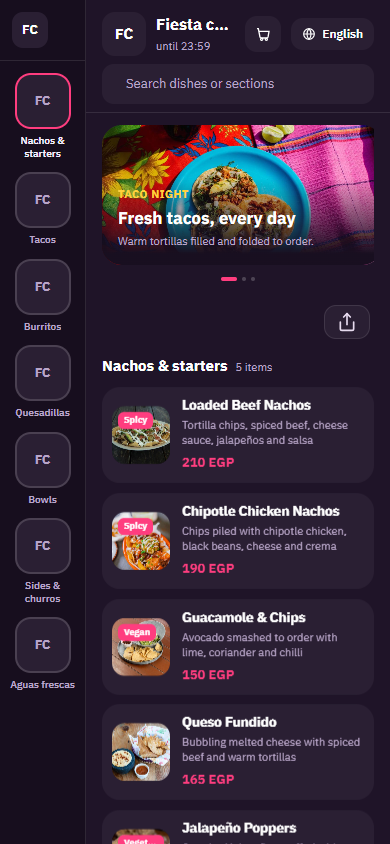
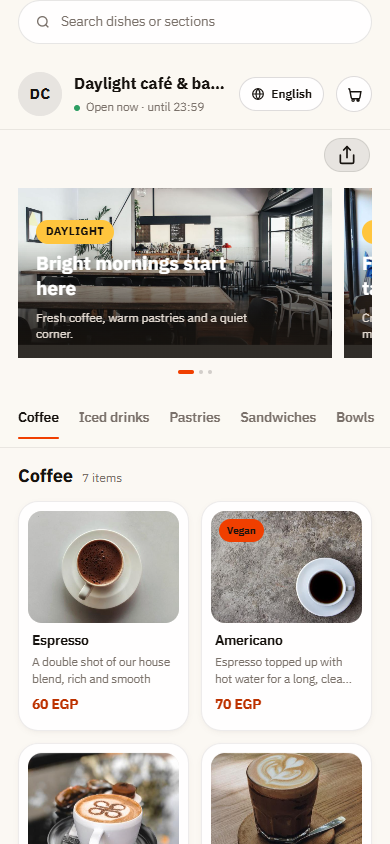
Tap Preview to try a design on a phone or a computer, then use it for your own menu.
What your menu can do
- Raw and cooked items labelled clearly in every description
- Piece counts and photos for rolls, nigiri and sashimi
- Allergen notes for fish, shellfish, sesame, soy and gluten
- Platters and boxes for sharing or for delivery
Common questions
How do I show which sushi has raw fish?
Start the description of each roll with a short label, such as Raw: salmon, or Cooked: shrimp tempura, and use the same wording across the menu. You can also make separate sections for cooked rolls and vegetarian rolls, so guests who avoid raw fish, including pregnant women, find safe options fast.
How do I list allergens on sushi?
Use the Gluten free, Vegetarian and Contains nuts tags where they apply, and write the other common allergens in the description: fish, shellfish, sesame, soy sauce and egg, for example in spicy mayo. Guests with allergies get the facts before they order, and staff spend less time checking each roll.
How should I sell platters and sushi boxes?
List each platter as one item with the total number of pieces, the rolls in it and how many people it suits, plus a photo of the full platter. If guests can choose their rolls, add an option group with a maximum number of choices.
Your menu, on every table today
Free to start. Add your items and prices, pick a design and print your QR code. Change anything whenever you like.