Indian restaurant menu
Indian menus are long: curries, biryanis, tandoor dishes, breads and sides, often with a spice level for each. A QR menu lets guests browse it section by section, see photos of dishes they don't know yet, and read what is in them in Arabic or English.
Pick a design for your menu
Tap Preview to try a design on a phone or a computer, then use it for your own menu.
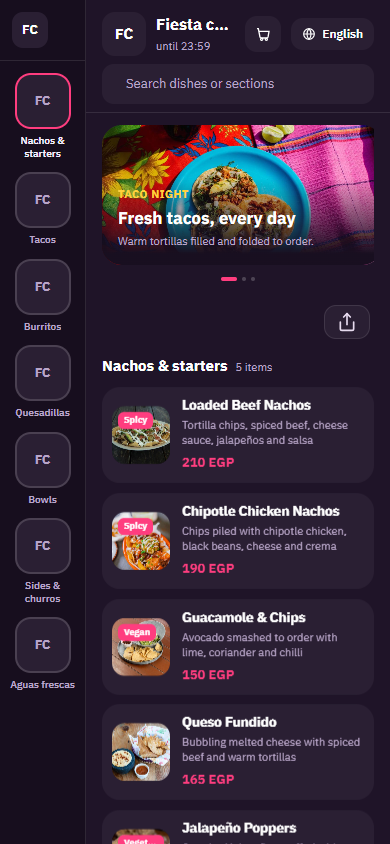
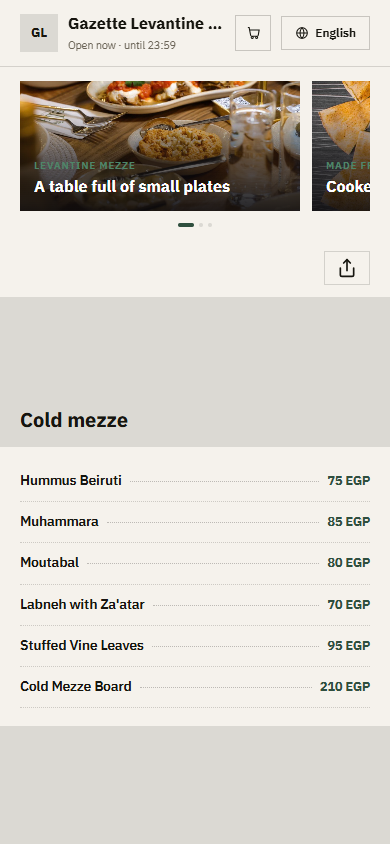
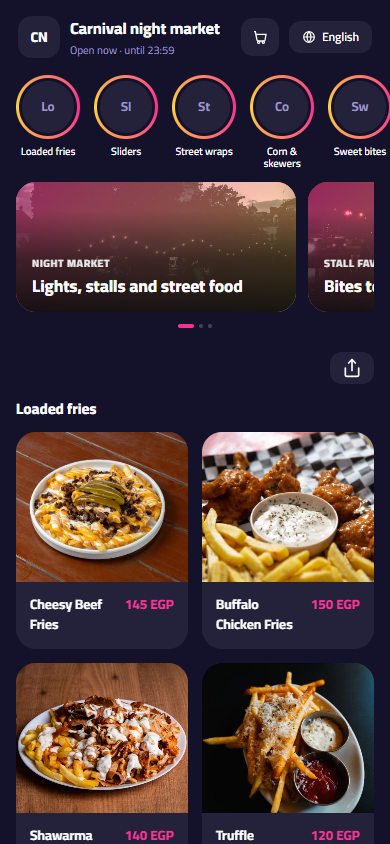
What your menu can do
- Curries, biryani, tandoor, breads and sides in their own sections
- Spice level as a choice on each dish: mild, medium or hot
- Vegetarian, vegan and spicy tags so guests find the right dish fast
- Short descriptions that explain dishes like paneer tikka or dal makhani
Common questions
How do I let guests choose how spicy their curry is?
Add a required single-choice option called Spice level to each curry or biryani, with values such as mild, medium and hot. You can also put the Spicy tag on dishes that are always hot, so guests who avoid chilli can skip them at a glance.
Can I mark vegetarian and vegan dishes?
Yes. Use the built-in Vegetarian and Vegan tags on dishes like chana masala, palak paneer or vegetable biryani. The tags show on the dish in both languages. The Contains nuts tag is useful too, because many korma sauces are made with cashews or almonds.
How do I sell naan, rice and raita with a main dish?
List breads and sides in their own section so guests can order them on their own, and add an Add-ons group to each curry with garlic naan, butter naan, extra rice or raita at their own prices. That way a guest can build the whole meal from one dish.
Your menu, on every table today
Free to start. Add your items and prices, pick a design and print your QR code. Change anything whenever you like.