Shawarma restaurant menu
Put your shawarma menu on a QR code your customers scan at the counter or from the delivery bag. Show chicken and beef wraps, plates and meal boxes with real photos, and let guests pick their bread, sauces and extras before they order. Change a price or mark a wrap sold out from your phone in seconds.
Pick a design for your menu
Tap Preview to try a design on a phone or a computer, then use it for your own menu.
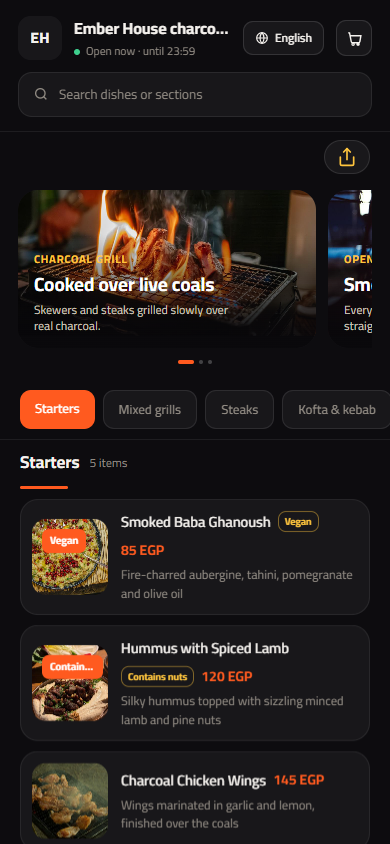
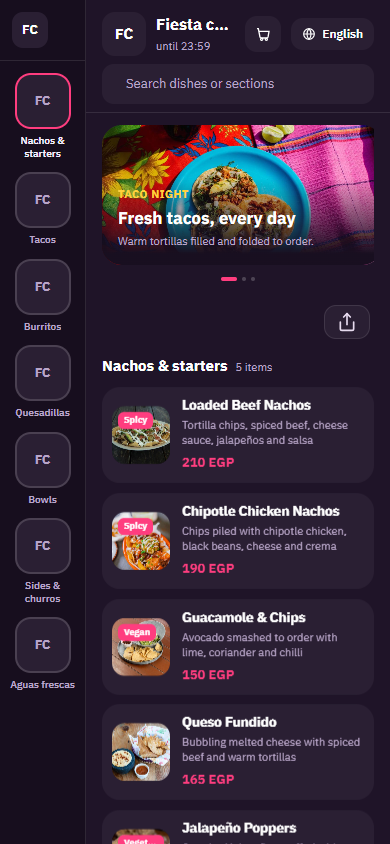
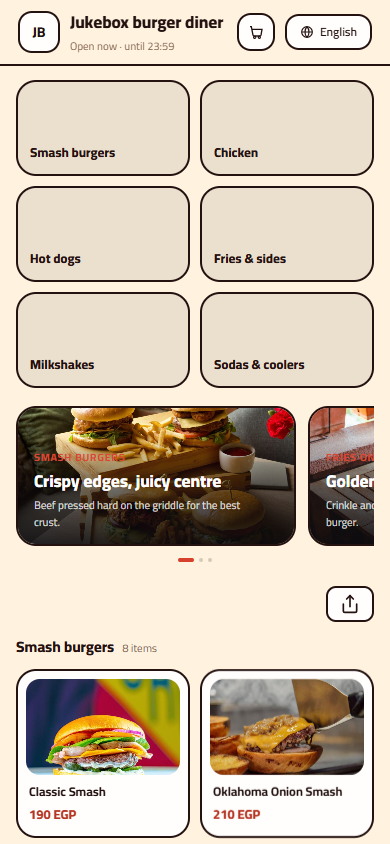
What your menu can do
- Wraps, plates and family boxes sorted into clear sections with photos
- Choices for bread, size, garlic sauce and extra meat, each with its price
- Mark a wrap sold out when the spit runs low, and bring it back in one tap
- A full Arabic and English menu, switched with one tap
Common questions
Can customers choose saj or French bread and add extra garlic sauce?
Yes. Add an option group to each wrap, for example Bread with saj, French or Syrian bread, set as a required single choice. Then add an Extras group for garlic sauce, pickles, fries inside the wrap or extra meat. Each extra can carry its own price, so the customer knows what they will pay before ordering.
How do I show meal deals and family boxes?
Create a Meals or Family boxes section and list each box as its own item, with a photo and what is inside: the number of wraps, fries, drinks and sauces. Put the Bestseller tag on your most popular box so it stands out, and change the contents or price any time without reprinting anything.
Can delivery customers use the same menu?
Yes. Print the QR code on a sticker for your bags and boxes, or share the menu link on WhatsApp and Instagram. Customers who order again see your latest prices and new wraps, not an old paper flyer that went out of date months ago.
Your menu, on every table today
Free to start. Add your items and prices, pick a design and print your QR code. Change anything whenever you like.