Fine dining restaurant menu
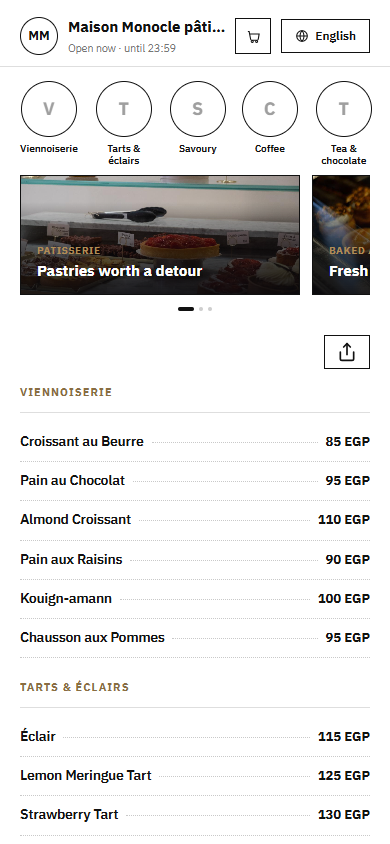
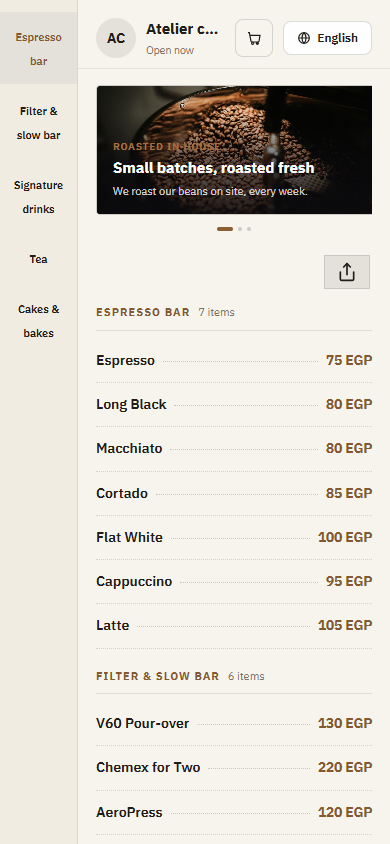
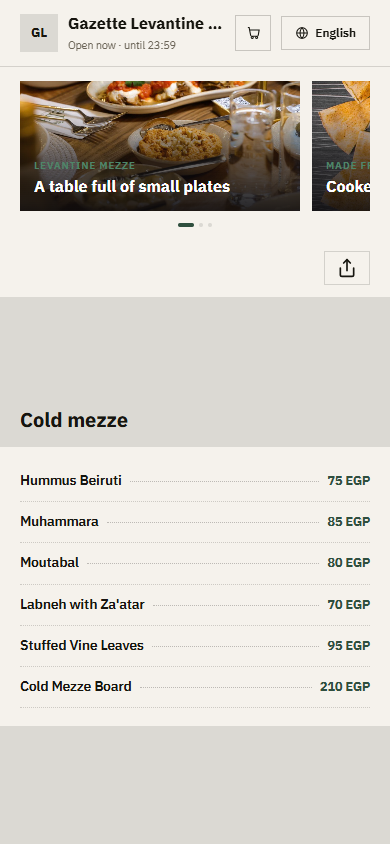
In a fine dining room, the menu is part of the experience. A QR menu keeps it elegant and quiet: a clean layout, careful descriptions of each course, and a tasting menu guests can read at their own pace, in Arabic or English.
Pick a design for your menu
Tap Preview to try a design on a phone or a computer, then use it for your own menu.
What your menu can do
- Calm, minimal designs that suit a refined dining room
- Room for full dish descriptions, origins and preparation
- Tasting menus presented course by course
- Seasonal changes published the same day, with no reprinted cards
Common questions
Does a QR menu feel too casual for a fine dining restaurant?
Not when the design is right. Choose a calm, minimal theme with plenty of space, keep photos for your signature dishes, and write short, precise descriptions. Many guests prefer reading the menu on their own phone at their own pace, especially in their second language. Your staff can still present it at the table.
How do I present a tasting menu?
Create a Tasting menu item with its price per person and list the courses in order in the description, from the first bite to dessert. If you prefer, add a section with each course as its own entry, so guests can read about every plate. Changing a course for tonight takes a minute and needs no reprinting.
Can guests check allergens without asking the waiter?
Yes. Use the built-in Gluten free, Vegetarian and Contains nuts tags, and mention other allergens such as shellfish or dairy in the dish description. Your team still explains each plate, but guests with allergies have the facts before the conversation starts.
Your menu, on every table today
Free to start. Add your items and prices, pick a design and print your QR code. Change anything whenever you like.