Fast food restaurant menu
Fast food customers decide in seconds, so the menu has to be quick: big photos, clear combos and an obvious upgrade. A QR menu shows burgers, fried chicken, sandwiches and meals at a glance, and makes turning a sandwich into a meal a one-tap choice.
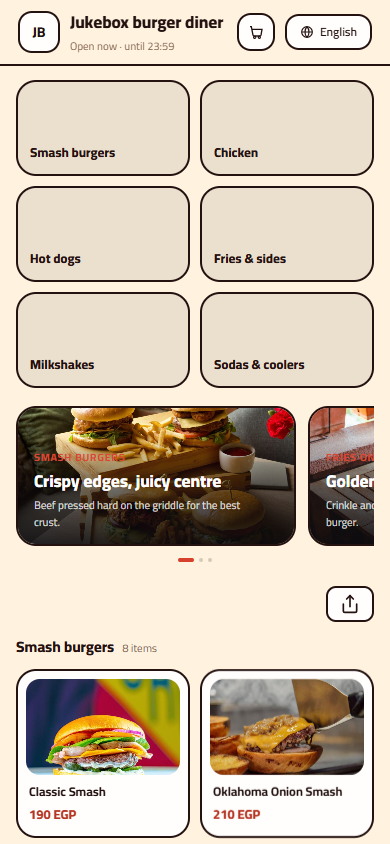
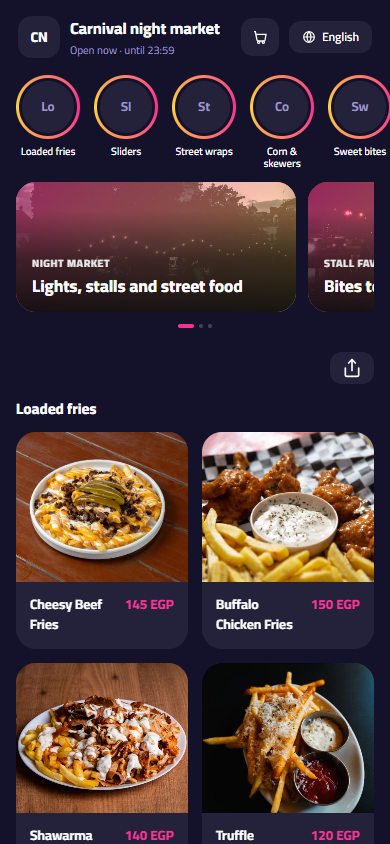
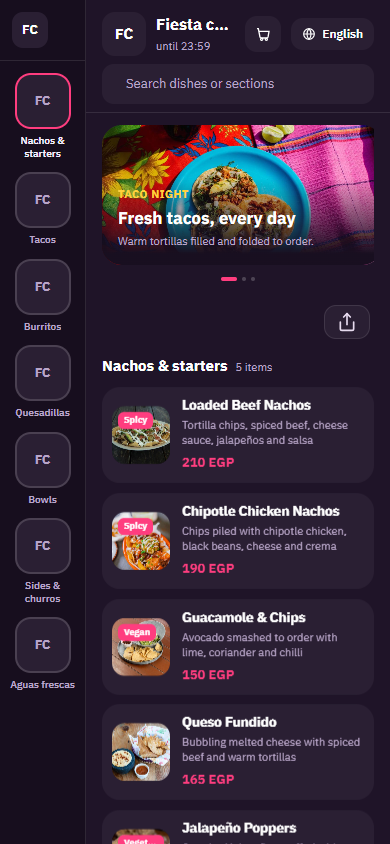
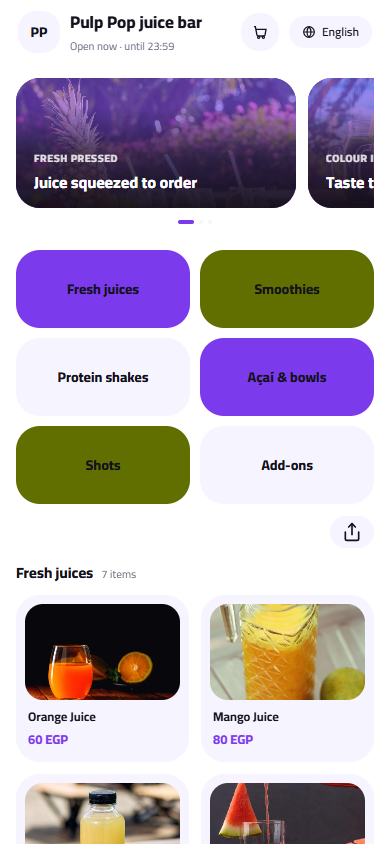
Pick a design for your menu
Tap Preview to try a design on a phone or a computer, then use it for your own menu.
What your menu can do
- Big photos and short names that customers scan in seconds
- Make-it-a-meal upgrades with fries and a drink at a set price
- Combo and kids' meal sections that raise the average order
- Bestseller and New tags to push the items you want to sell
Common questions
How do I offer make it a meal on every burger?
Add an option group called Make it a meal with values like sandwich only, regular meal and large meal, each with its price. Add a second group for the drink that comes with the meal. Customers upgrade in one tap, and the upgrade is offered every time, even at the busiest hour.
How should I organise a big fast food menu?
Put the sections in the order people decide: offers and combos first, then burgers, chicken, sandwiches, sides, kids' meals, desserts and drinks. Keep names short and let the photo do the work. Use the Bestseller tag on two or three items per section, not on everything.
Can I hide an item when it runs out at peak time?
Yes. Mark it sold out from your phone and it shows as unavailable straight away, so customers stop choosing it. When the kitchen is ready again, switch it back on. Nothing is deleted and no price needs retyping.
Your menu, on every table today
Free to start. Add your items and prices, pick a design and print your QR code. Change anything whenever you like.