Kebab restaurant menu
From Adana and Urfa to Iskender and kebab halabi, a kebab menu has many close cousins that guests mix up. A QR menu puts a photo and a one-line explanation next to each, shows which ones are spicy, and lets guests choose a plate or a wrap.
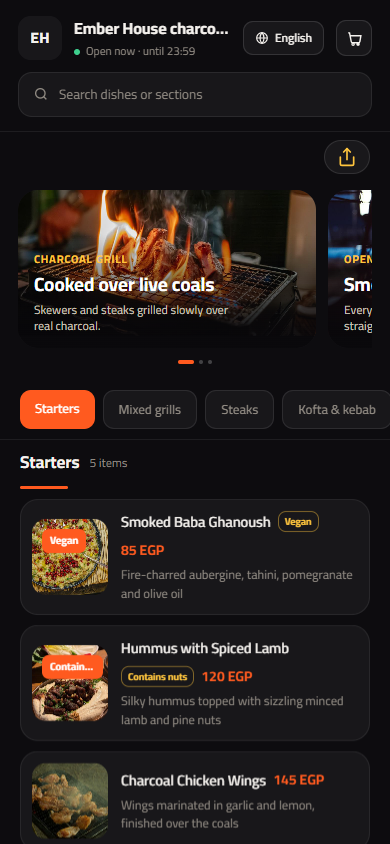
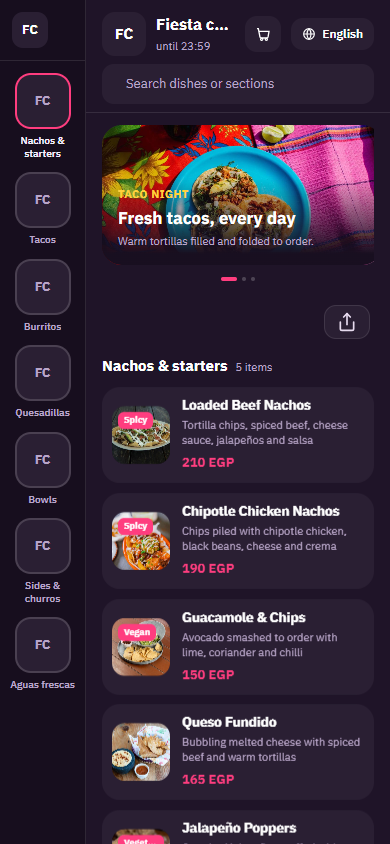
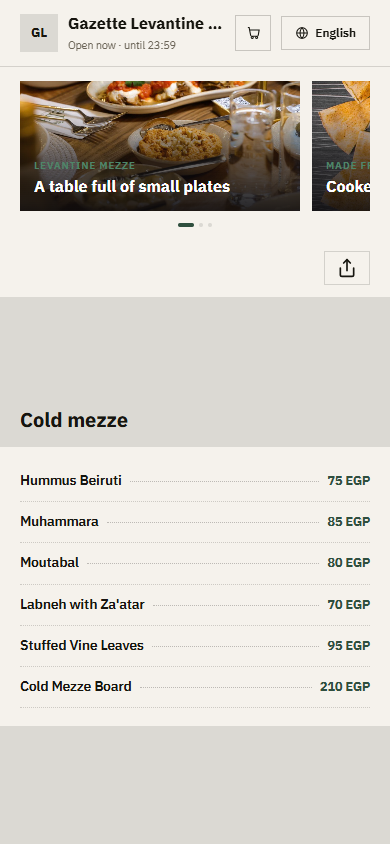
Pick a design for your menu
Tap Preview to try a design on a phone or a computer, then use it for your own menu.
What your menu can do
- Each kebab explained in one line, so guests know Adana from Urfa
- Plate or wrap, and the choice of bread, as simple options
- A Spicy tag on the hot kebabs so guests pick their heat
- Mezze, salads and ayran in their own sections
Common questions
How do I help guests tell the kebab types apart?
Give each kebab a photo and one short line in the description: the meat, how it is spiced and how it is served. For example, Adana: minced lamb with red pepper, spicy, served on lavash. Add the Spicy tag to the hot ones. Guests stop asking, and they try new dishes more often.
Can a guest order the same kebab as a plate or a wrap?
Yes. Add a required option called Serving with plate and wrap, each with its own price. Then add a Bread group with lavash, pita or saj, and a group for extras like grilled tomatoes, peppers or yoghurt sauce.
Where do mezze and drinks go?
Put cold and hot mezze, salads and soups in their own sections before the kebabs, and drinks such as ayran, soft drinks and tea at the end, so guests scroll in the order they eat. You can also add a mezze platter as one item for tables that want a bit of everything.
Your menu, on every table today
Free to start. Add your items and prices, pick a design and print your QR code. Change anything whenever you like.