Pizza menu
Pizza orders are all about choices: size, crust, extra cheese, extra toppings. A QR menu lays out every choice with its price and shows each pizza with a photo that sells it. When you add a new flavour, it reaches every table the same minute.
Pick a design for your menu
Tap Preview to try a design on a phone or a computer, then use it for your own menu.
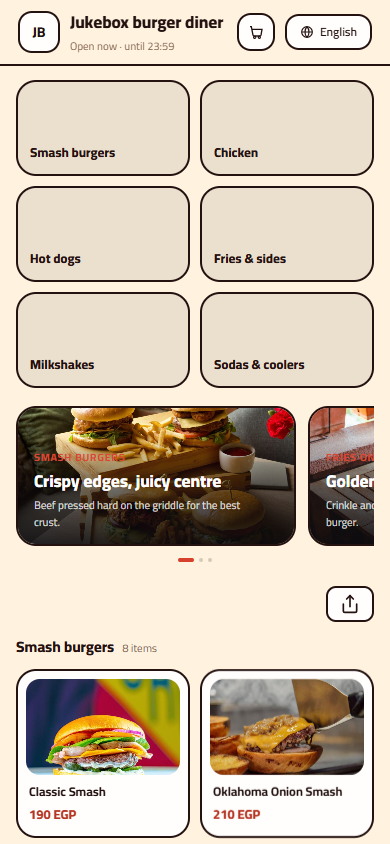
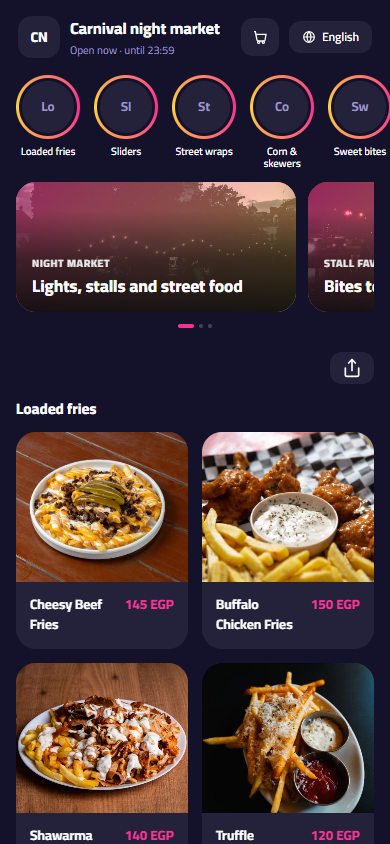
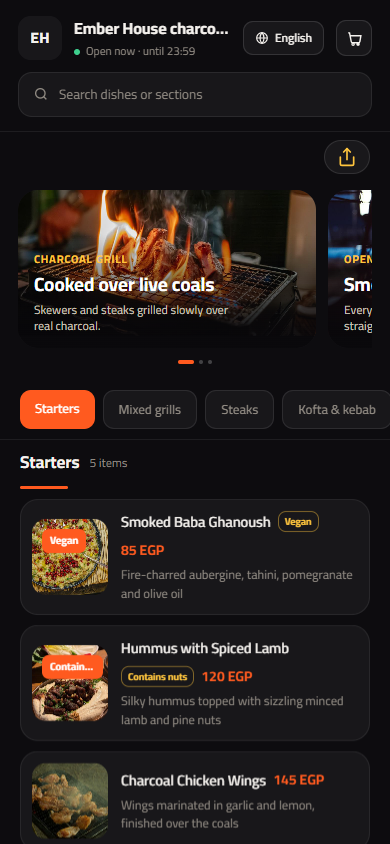
What your menu can do
- Small, medium and large sizes, each with its own price
- Crust choices such as thin, classic or cheese-stuffed
- Extra toppings priced one by one, so add-ons are never missed
- Sides, dips and drinks in their own sections after the pizzas
Common questions
How do I set different prices for small, medium and large?
Add a required single-choice option called Size to each pizza, with small, medium and large as values, and give each size its own price. The customer sees the right price for the size they pick. You can use the same sizes on every pizza and adjust just one when its recipe costs more.
Can customers add toppings or choose a stuffed crust?
Yes. Add a multi-choice group called Extra toppings with items like extra mozzarella, mushrooms, olives or jalapeños, each with its price, and set a maximum if you want to limit how many they add. A separate Crust group handles thin, classic or cheese-stuffed crust.
Should I list offers like buy one, get one free?
Yes. Put offers in a section at the top called Offers, so it is the first thing guests see, and say exactly what is included and when it runs, for example Tuesdays only. When the offer ends, switch the item off and bring it back next time without retyping it.
Your menu, on every table today
Free to start. Add your items and prices, pick a design and print your QR code. Change anything whenever you like.