Diet food menu
People who order diet food read the menu closely: calories, protein, what is in the sauce. A QR menu gives every meal room for that detail, so customers choose with confidence and your team answers fewer questions at the counter.
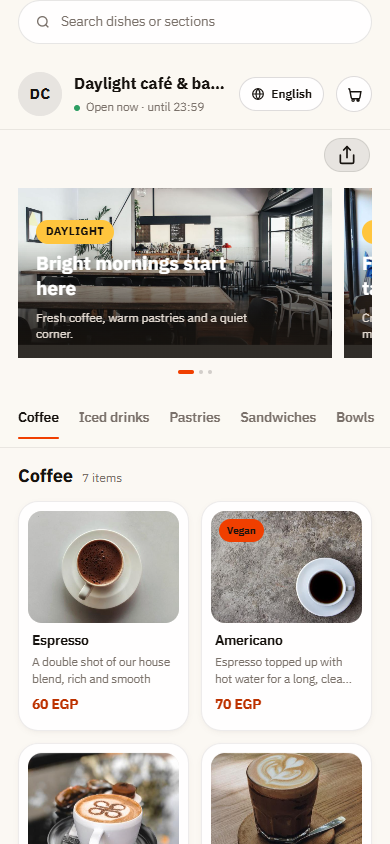
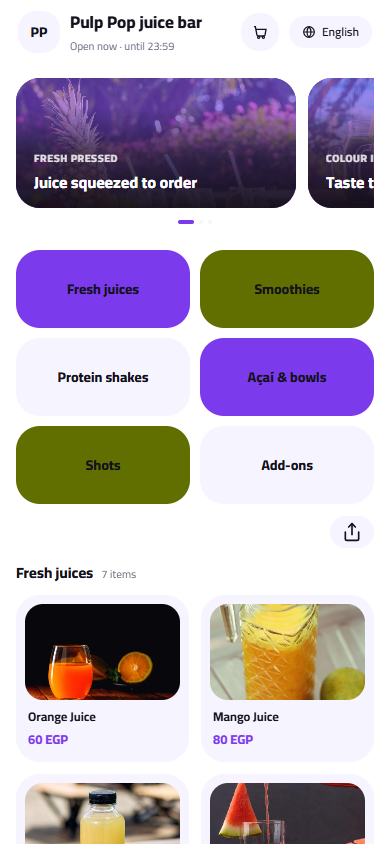
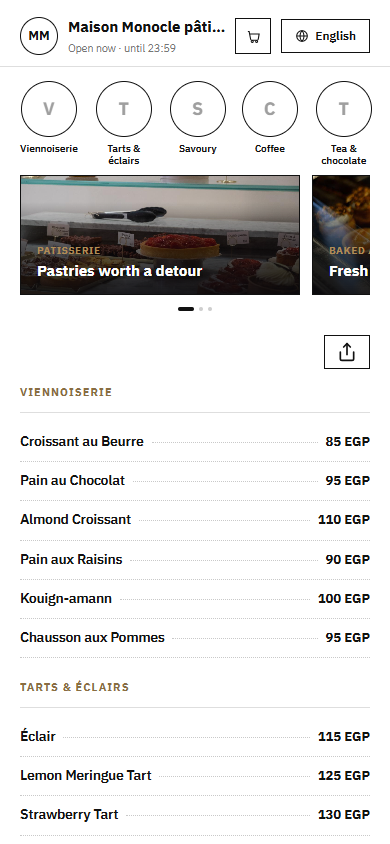
Pick a design for your menu
Tap Preview to try a design on a phone or a computer, then use it for your own menu.
What your menu can do
- Calories and macros written right under each meal's name
- Gluten-free and vegan tags for customers on stricter diets
- Swaps like brown rice instead of salad, or sauce on the side
- Update a weekly meal plan or a price without reprinting
Common questions
Where do I show calories and protein for each meal?
Write them at the start of the meal's description, for example 450 kcal · 38 g protein · 40 g carbs, so they show right under the name. Use the same order on every meal so the menu is easy to compare. If you change a recipe, update the numbers in your dashboard and the menu changes at once.
Can customers swap ingredients or ask for sauce on the side?
Yes. Add an option group such as Base with brown rice, quinoa or extra salad, and another called Sauce with on the side or no sauce. Swaps that cost more, like an extra chicken breast or avocado, can carry their own price.
I sell weekly and monthly meal plans. Can they go on the menu?
Yes. Create a Meal plans section and list each plan as an item with its price and what is included: meals per day, days per week and the target calories. Explain how to subscribe in the description, and add your WhatsApp number to the menu's contact links so customers can reach you directly.
Your menu, on every table today
Free to start. Add your items and prices, pick a design and print your QR code. Change anything whenever you like.