Mocktail bar menu
A drinks bar sells colour, ice and a bit of theatre: signature mocktails, mojitos, flavoured lemonades, sodas and energy mixes. A QR menu shows each drink with a photo as good as the glass, lists what is in it, and keeps your signature creations in the spotlight.
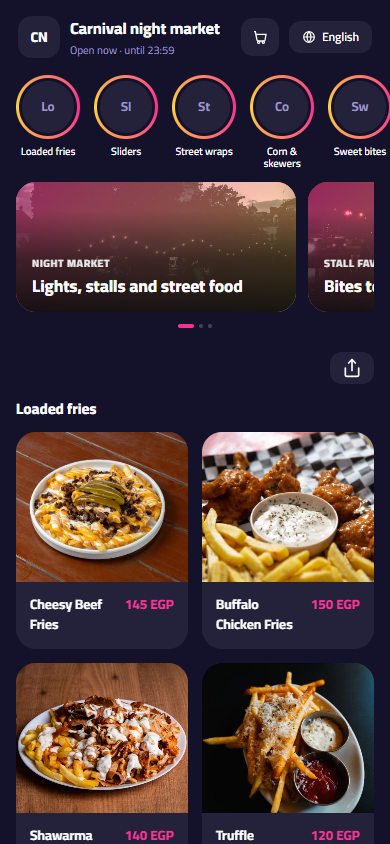
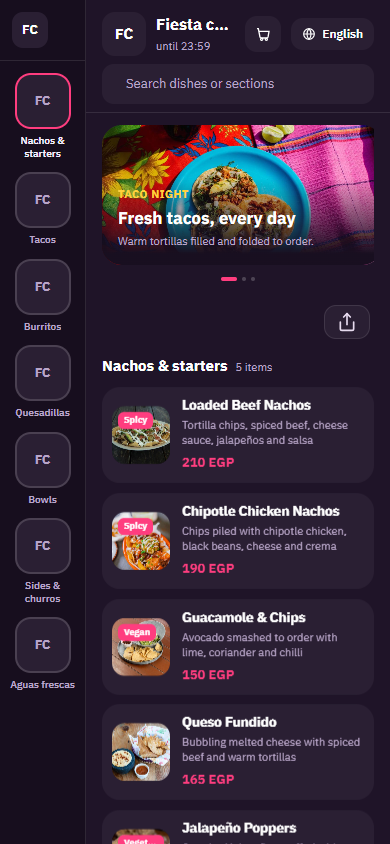
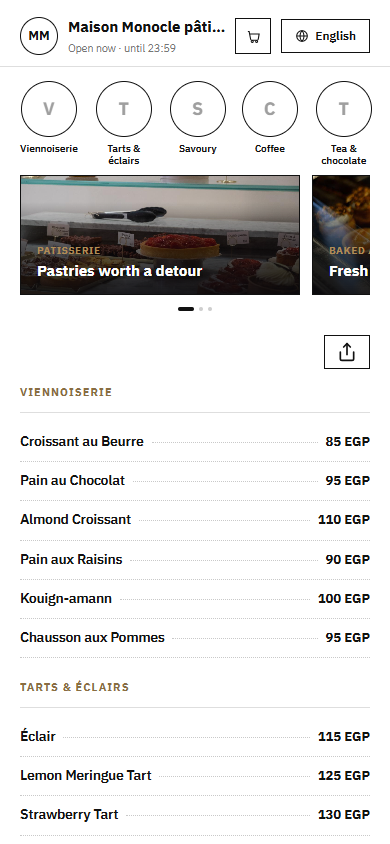
Pick a design for your menu
Tap Preview to try a design on a phone or a computer, then use it for your own menu.
What your menu can do
- Signature mocktails shown with photos that match the real glass
- Every ingredient listed, from fresh fruit to syrups and soda
- Flavour and size options without a crowded price board
- Lively, dark designs made for evening crowds
Common questions
How do I make my signature drinks stand out?
Put a Signatures section at the top of the menu, give each drink a clear photo in its real glass, and describe it in one line: the fruit, the syrup and the finish. Add the Bestseller tag to your top two, and the New tag when you launch a drink, so regulars notice it.
Can guests choose a flavour for a mojito or a lemonade?
Yes. Add a Flavour option to one base drink, for example classic mint, passion fruit, strawberry or blue raspberry, instead of listing five separate items. Each flavour can carry its own price if some cost more. The menu stays short and guests still see every choice.
My bar gets busy in the evening. How does a QR menu help?
Guests scan the code at the table or the counter and choose while they wait, instead of calling someone over to ask what is in each drink. Your team spends the rush making drinks, not explaining the menu, and a dark theme stays easy to read in low evening light.
Your menu, on every table today
Free to start. Add your items and prices, pick a design and print your QR code. Change anything whenever you like.