Coffee menu
A coffee menu lives on choices: espresso drinks, filter and V60, cup size, milk type, an extra shot. A QR menu lays them out clearly with a price for each choice, and lets you tell the story of your beans without crowding the board behind the bar.
Pick a design for your menu
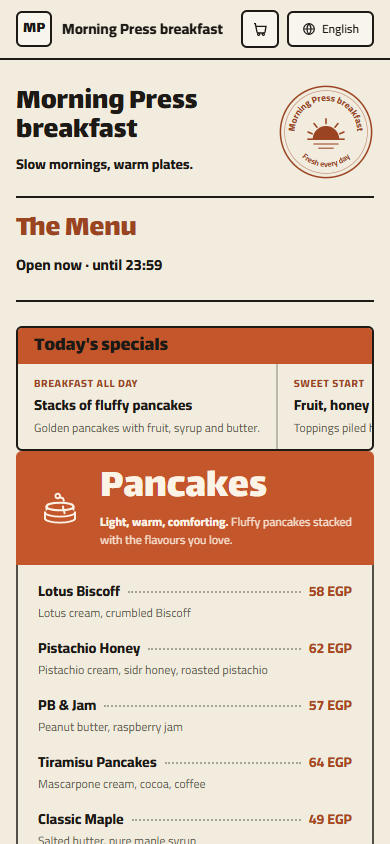
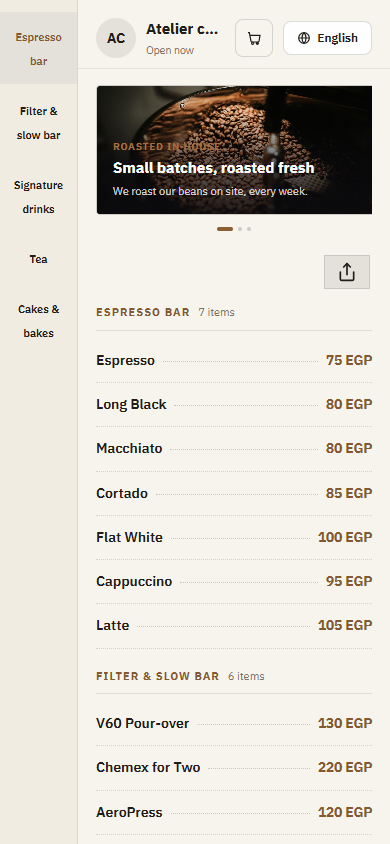
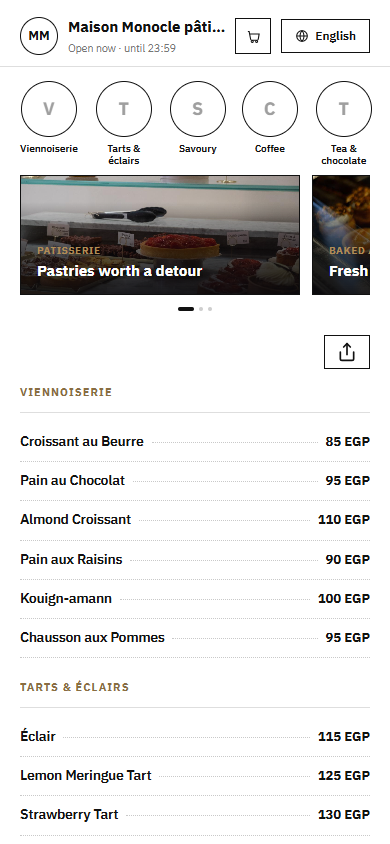
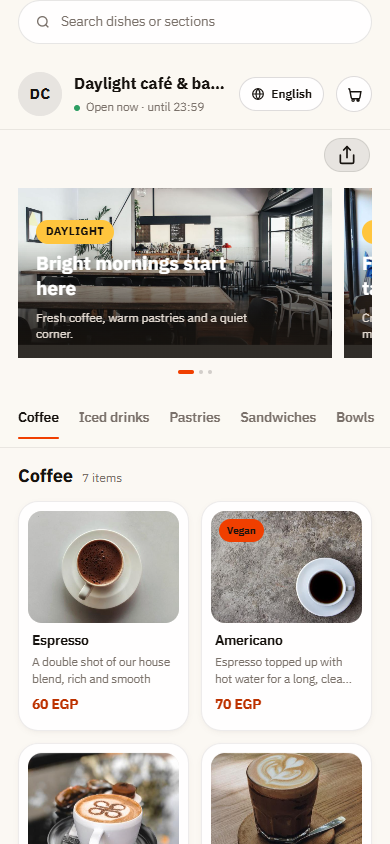
Tap Preview to try a design on a phone or a computer, then use it for your own menu.
What your menu can do
- Cup sizes and milk choices like oat or almond, with their prices
- Espresso bar, filter and specialty brews in their own sections
- Origin and tasting notes for your single-origin beans
- Pastries and desserts listed right next to the drinks
Common questions
How do I add sizes, milk types and extra shots?
Add a required Size option (small, medium, large) to each drink, a Milk option with full cream, skimmed, oat or almond, and an Extras group for an extra shot, syrup or whipped cream. Each choice can carry its own price, so a guest sees exactly what a large oat latte with an extra shot costs.
Can I show the origin and taste of my specialty beans?
Yes. List each single-origin coffee as an item and use the description for the origin, process and tasting notes, for example Ethiopia, washed, jasmine and lemon. When you change beans, update the text in a minute, which a printed menu or a painted board can't do.
Do takeaway customers use a QR menu?
Yes. Put the QR code on the window or the counter so people in the queue can read the full menu on their phone while they wait. They reach the till already knowing what they want, and the queue moves faster.
Your menu, on every table today
Free to start. Add your items and prices, pick a design and print your QR code. Change anything whenever you like.